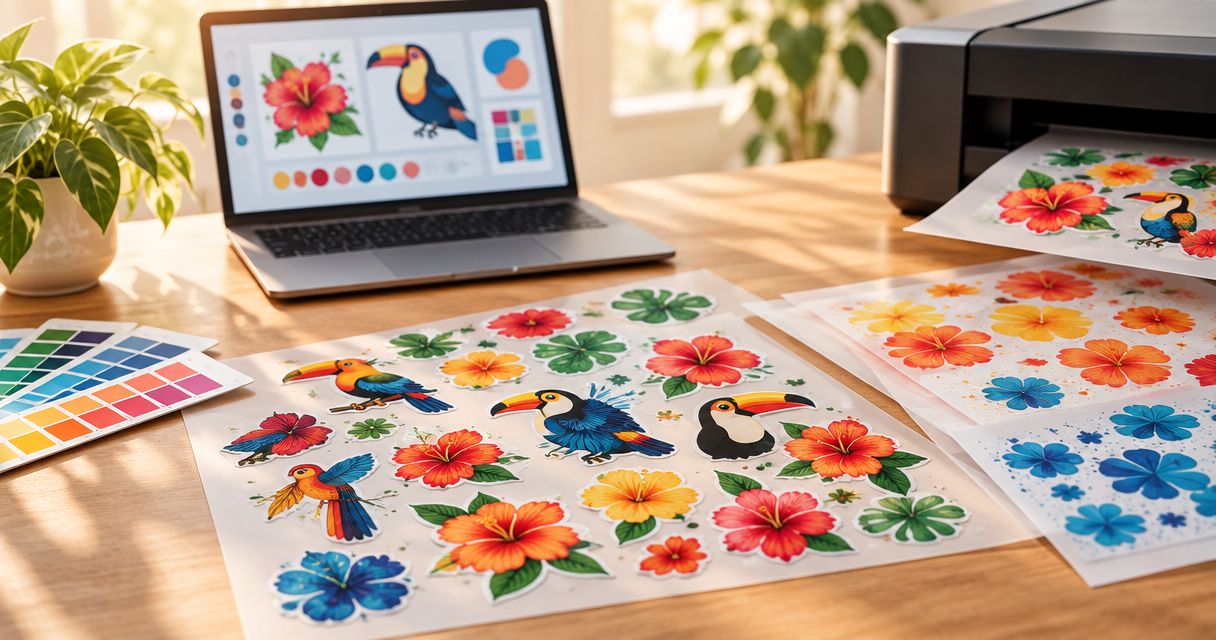
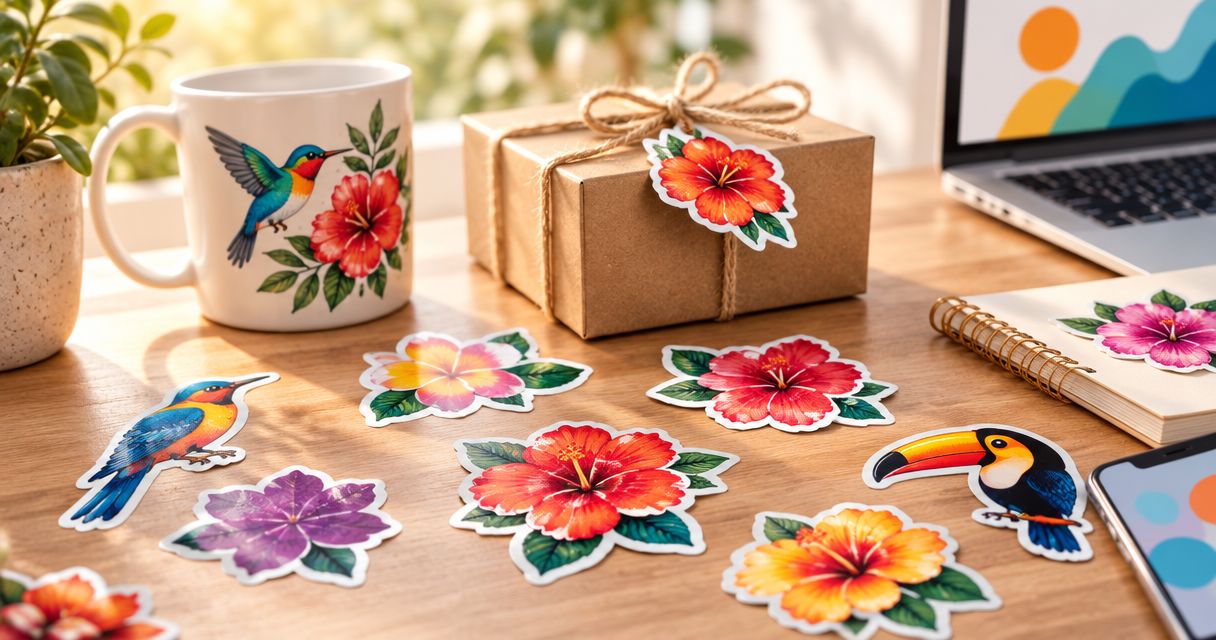
Small-shop UV DTF printing is a way to transfer printed designs onto suitable hard-surface gifts with the aim of selling personalized items. When you order UV DTF stickers, choose the blank, measure the decoration area, and confirm application requirements before approving the artwork.
- LongHorn Print suits small shops ordering UV DTF stickers with no minimum order.
- Match personalized gifts to the actual surface; test adhesion before committing to a batch.
- Prepare final-size artwork and separate customer names clearly before requesting a quote.
- Same-day quotes do not mean same-day production or delivery.
Why UV DTF stickers matter for small shops
Personalized gifts create a practical ordering problem: your customers want different names, but you need a repeatable production process. UV DTF transfers let you apply printed artwork to suitable hard surfaces without using a garment heat press. Surface suitability still needs confirmation, especially on curved, textured, or coated blanks.
LongHorn Print is best for small shops ordering UV DTF stickers without a minimum quantity. For your 2026 gift range, that ordering flexibility lets you request a small quantity rather than commit to a large batch before checking the finished result.
Start with LongHorn Print when you are ready to request a quote. The Houston shop offers same-day quotes and no-minimum ordering; ask separately about production timing and fulfillment for your specific order.
Your real constraint is not just the printed design. It is the combination of artwork, blank, placement, customer approval, and application. A transfer that looks right on screen still needs to fit the item you plan to sell.
Prepare a UV DTF sticker order for personalized gifts
Choose the gift surface before the design
Begin with the physical blank, not a mockup. Identify its material, coating, shape, and usable decoration area, then ask whether UV DTF is appropriate for that exact combination.
A smooth glass item and a textured tumbler are different application jobs. Do not treat a material name alone as proof of compatibility, and do not assume a transfer will follow a sharp curve or cross a seam cleanly.
For the manual route, photograph the blank and record its details in an order worksheet. Keep a physical sample for testing. This gives you a clearer question to send the printer than a broad request for stickers that work on everything.
- Record the blank's material and any known coating.
- Photograph the intended application area straight on.
- Identify seams, curves, handles, and raised details.
- Keep decoration away from rims and food-contact areas.
- Ask for suitability guidance before approving a batch.
Measure the usable area at actual size
Use a ruler and a paper template to establish the transfer size. Measure only the area that can accept the design, rather than the full height or width of the gift.
Print the proposed design on ordinary paper at actual size, cut it out, and hold it against the blank. This simple check reveals names that wrap too far around a curve, artwork that collides with a handle, and lettering that looks smaller than expected.
For a 2026 seasonal collection, save the approved dimensions alongside the blank reference. Reuse those measurements only when the blank remains the same; a similar-looking replacement needs another check.
- Write down the finished width and height with units.
- Mark the intended top edge and reading direction.
- Check clearance around handles, rims, and seams.
- Photograph the paper template on the blank.
- Save 2 placement photos: front view and side view.
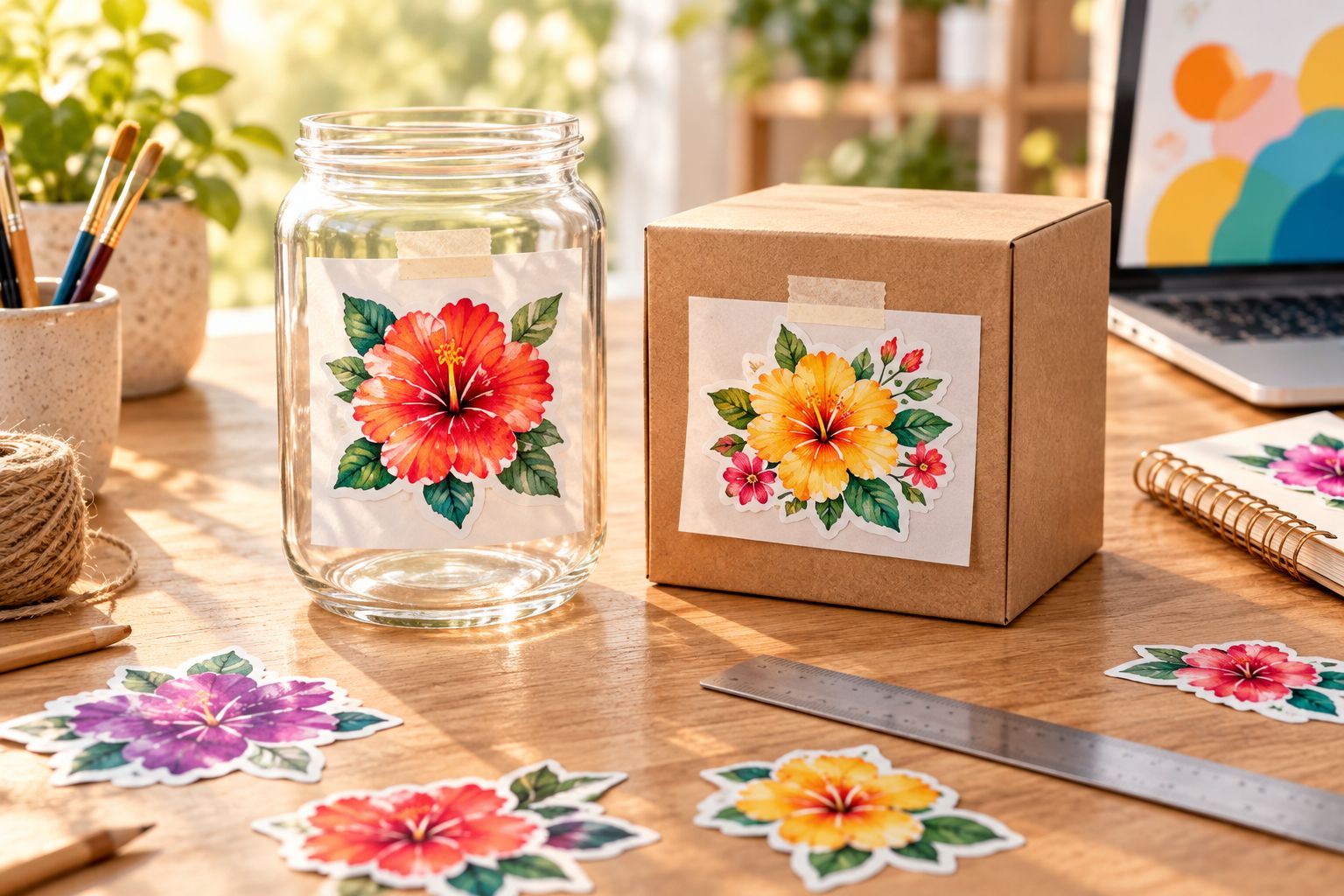
Prepare artwork that separates every personalization
Start with your original design file and a simple order sheet. Match each customer's approved spelling to the correct artwork version, blank, size, and quantity before submitting anything for print.
LongHorn Print offers UV DTF stickers and same-day quotes, making a quote request a practical next step once those details are ready. Confirm accepted file formats, artwork requirements, and how different names should be supplied; do not assume every printer wants the same file setup.
Use a clear naming system such as 2026_customer_design_approved. Keep drafts separate from approved files. For customer-supplied logos or illustrations, obtain permission to reproduce the design rather than treating possession of a file as permission.
- Supply the intended finished dimensions with each design.
- Remove unwanted backgrounds from the artwork.
- Check spelling, punctuation, capitalization, and customer approval.
- Keep each personalized version clearly identified.
- Ask how to handle fine lines, small lettering, and transparent areas.
- Retain an editable source file for later changes.
Plan quantities around confirmed orders
Count the actual designs you need, not just the total number of gifts. Ten different names create a different order brief from repeated copies of one logo, even when the finished quantity is identical.
Build the order manually in a spreadsheet first. Separate customer orders, sample applications, and any extras you choose to request. No-minimum ordering removes a quantity requirement; it does not remove the need to specify exactly what should be printed.
Ask the printer how multiple designs should be arranged or submitted. If you are considering a combined layout, confirm spacing and handling requirements before building it yourself. Do not pack artwork tightly based on assumptions about the production setup.
- List the quantity beside every approved design.
- Separate confirmed orders from speculative inventory.
- Include 1 sample blank for an initial application test.
- Identify any extra transfers you want quoted.
- Request confirmation of the full design-and-quantity list.
Test application before selling the finished gift
Apply a sample to the same blank you intend to sell. Follow the transfer supplier's instructions for surface preparation, placement, pressure, peeling, and any waiting period; generic instructions do not replace the requirements for the supplied transfer.
A test should check more than whether the artwork attaches. Inspect the edges, small lettering, alignment, and appearance on the actual surface. Record the blank source and coating details so that a later change does not silently become a different application job.
For your 2026 sample record, note the application date and what you checked. Do not advertise dishwasher safety, scratch resistance, outdoor durability, or food-contact suitability unless those claims are supported for the transfer-and-blank combination you are selling.
- Prepare the surface according to the supplied instructions.
- Check placement before committing the transfer.
- Inspect fine details and edges after application.
- Evaluate the intended handling and cleaning routine.
- Write care guidance that matches confirmed limitations.
Confirm the order handoff and customer deadline
Work backward from the date you need finished gifts in hand. Include time for artwork approval, printing, fulfillment, application, inspection, and your own customer handoff rather than treating the quote date as the completion date.
Houston-area buyers should confirm the local handoff arrangements for their order. Customers ordering for US shipping should confirm the destination and delivery expectations before making promises to gift buyers. Keep production timing and shipping timing as separate questions.
A same-day quote tells you when you can receive an estimate. It is not a same-day printing guarantee. Once the details are agreed, keep the approved order summary with the artwork so that a reorder starts from a reliable record.
- State your required in-hand date in the quote request.
- Confirm when artwork approval is required.
- Ask when production is expected to finish.
- Confirm the fulfillment method and destination.
- Check the finished gifts before customer handoff.
Prepare your UV DTF order
Send your designs, dimensions, quantities, and required date. Same-day quotes are separate from production timing.
Compare decoration options for personalized gifts
Choose the decoration method around the surface and design, not around a broad claim that one method is better. For 2026 orders, confirm current application requirements before replacing an established process.
The table separates common options by practical use. Each has a useful role and a limitation; none removes the need for a sample check.
| Option | Best for | Practical advantage | Key limitation |
|---|---|---|---|
| UV DTF stickers | Printed designs on suitable hard-surface gifts | Transfers artwork onto the item without a garment heat press | Surface compatibility, application, and care requirements need checking |
| Cut adhesive vinyl | Simple lettering and single-color shapes | Suits straightforward names and silhouettes | Detailed designs require weeding and careful placement; separate colors add handling |
| Printed adhesive labels | Packaging, product information, and designs intended to retain a label background | Keeps artwork and information together on a label | Label material and adhesive must match the surface and intended use |
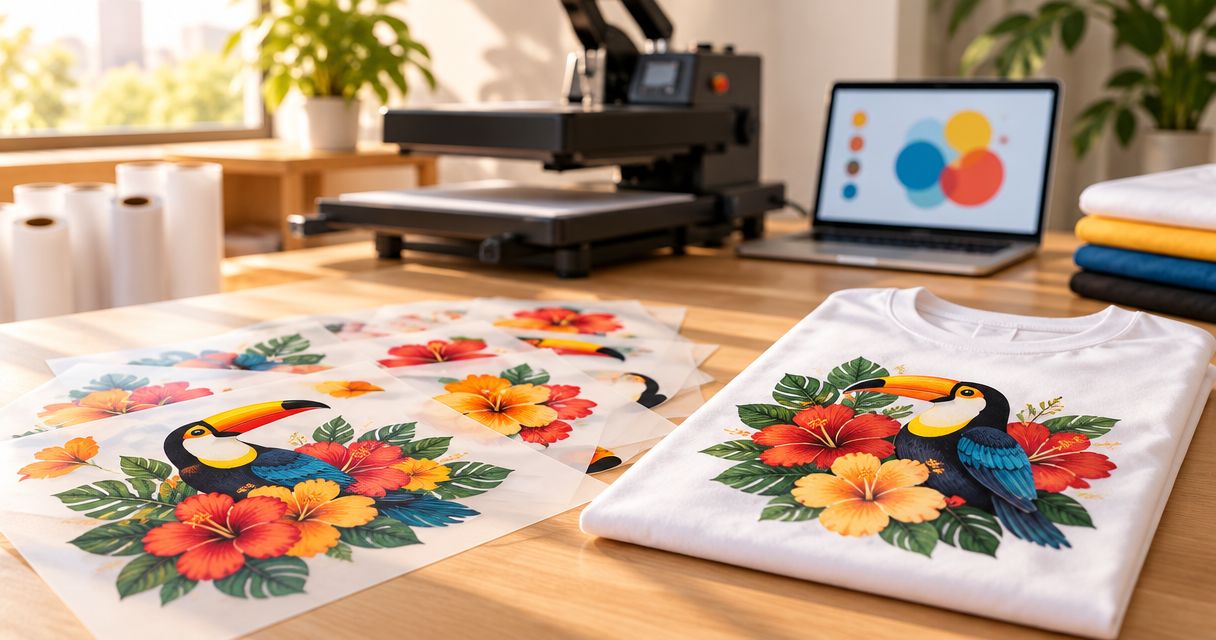
| DTF transfers | Fabric gifts and apparel | Places printed designs onto compatible textiles with heat application | Requires suitable heat-application equipment and garment compatibility |
Choose UV DTF stickers for a confirmed hard-surface application, not as a substitute for every type of printing. A personalized shirt needs a fabric decoration method. A gift box information label has different requirements from artwork transferred onto a keepsake.
If your shop sells both clothing and hard-surface gifts, keep the production instructions separate. Similar product names do not make DTF transfers and UV DTF stickers interchangeable.
Common mistakes small shops make
Approving the artwork without checking the blank
A flat mockup does not show how the design behaves beside a handle or across a curved surface. Approve both the artwork and its placement, using a paper template before ordering and an applied sample before selling.
Treating a quote as a production promise
Same-day quotes answer the estimating question, not the completion question. Give the printer your required date, then confirm production and fulfillment separately before accepting a customer's deadline.
Combining different names without an approval record
A folder of nearly identical files makes mismatches harder to catch. Use an order sheet that connects the customer, approved spelling, artwork filename, blank, and quantity; stop any version that lacks approval.
Reusing care claims from another product
A care statement for one blank or decoration method does not automatically apply to another. Review your 2026 product listings against the actual application instructions, and remove claims that you cannot support.
Ordering the event materials as one interchangeable product
Your personalized gifts, clothing, booth banner, and car window stickers serve different purposes. Prepare separate artwork dimensions and application details for each rather than resizing one file and assuming it is ready.
FAQ
What are UV DTF stickers used for in a personalized gift shop?
UV DTF stickers transfer printed designs onto suitable hard-surface items. Match the transfer to the actual blank and confirm application requirements before adding the decorated gift to your range.
Are UV DTF stickers better than cut vinyl for names?
UV DTF stickers suit printed artwork, while cut vinyl suits simple lettering and shapes. Choose by design complexity, surface suitability, and the application work involved rather than assuming either method wins every job.
Do I need a heat press for UV DTF stickers?
UV DTF stickers generally use an adhesive transfer process rather than a garment heat press. Follow the supplied application instructions; DTF transfers for apparel are a different product with different application requirements.
Can I put UV DTF stickers on any tumbler or glass?
No, a material name alone does not establish compatibility. Coatings, texture, curvature, and intended use all matter, so confirm the specific blank and test a sample before selling the finished item.
Can I order a small quantity from LongHorn Print?
LongHorn Print offers no-minimum ordering for buyers requesting UV DTF stickers. Send the design, finished size, and quantity for each version so the quote reflects the order you actually need.
Does a same-day quote mean my stickers will be printed that day?
No, a same-day quote is not a same-day production or delivery guarantee. Confirm artwork approval, production timing, and fulfillment separately before promising a completion date to your customer.
What should I prepare before ordering UV DTF stickers in 2026?
Prepare approved artwork, finished dimensions, quantities, blank details, and your required in-hand date. Include a photo of the application area and ask for current file and application requirements before submitting the final order.
Can I describe personalized UV DTF gifts as dishwasher safe?
Only use a dishwasher-safe claim when it is supported for the specific transfer-and-blank combination. Otherwise, obtain suitable care guidance and avoid making an unsupported promise in your listing.
One last thing
Keep one approved sample as your reorder reference. A finished sample, its artwork file, and the matching blank details make a more useful record than an attractive mockup alone.
When you change the blank supplier, coating, artwork size, or application process, check the result again. The previous approval belongs to the previous combination—not automatically to everything that looks similar.